

AI Email Writers: How to Draft Useful Emails and Review the Result
An AI email writer turns a short brief into a draft email. The quality of that draft depends almost entirely on four inputs: who the recipient is, what you want them to do, the facts the email must contain, and the tone. Give it those four, then review the draft for accuracy, promises and length before sending. That review step is never optional.

This guide is for people at small and mid-size businesses who already use, or are about to try, AI to draft emails: account managers, founders, office managers, support leads. It covers what these tools actually do in late 2026, how to brief them, how to check what they produce, and where they go wrong.
What an AI email writer does (and what it doesn't)
An AI email writer is a language model wrapped in an interface for email. Most tools offer the same core jobs:
Draft from a prompt. You describe the email in a sentence or two, and the tool writes a full message.
Rewrite a draft. Shorter, more formal, friendlier, clearer, or in another language.
Reply in context. The tool reads the thread and proposes a response.
Summarize a thread. Useful before you write, so you don't miss what was already agreed.
Proofread and coach. Grammar, tone and clarity suggestions on text you wrote yourself.
What it doesn't do is know your business. The model doesn't know your current prices, what your colleague promised a customer on the phone yesterday, or that the shipment is delayed. Unless the tool is connected to a source that contains those facts, and the source is correct, every specific detail in a draft is either something you gave it or a guess.
Where AI email writing lives now
In 2026 the most common AI email writers are built into the mail clients people already use:
Gmail. In January 2026 Google made Help Me Write, Suggested Replies and thread summaries available without a paid AI plan, starting with users in the US and in English, with more regions and languages to follow, as GSMArena reported on January 8, 2026.
Outlook. Microsoft's Copilot in Outlook FAQ describes drafting from prompts based on thread context, coaching on tone and clarity, and thread summaries, for users with a Microsoft Copilot work license. The same page advises users to "review, edit, and verify anything it creates."
Writing assistants and separate mail apps. Browser extensions and standalone clients add drafting on top of any mailbox. The market keeps consolidating: Grammarly's parent company renamed itself Superhuman in October 2025 and grouped the Grammarly writing assistant, Superhuman Mail and Coda under one brand, according to BetaKit.
General chat assistants. Many people still write the brief in a chat assistant and paste the result into their mail client. It works, but the assistant sees only what you paste.
If you're comparing these options, see How to Choose an AI Email Assistant. This article is about using any of them well.
The four inputs every draft needs
Most disappointing AI drafts come from a one-line prompt such as "write a follow-up to the client." The model fills the gaps with generic text, because generic text is the statistically safe answer. Close the gaps yourself.
Input | Weak version | Strong version |
|---|---|---|
Recipient | "the client" | "Dana, operations manager at a 40-person logistics firm; we've worked together for two years; she prefers short emails" |
Goal | "follow up" | "get her to confirm the new delivery window by Thursday so we can book the truck" |
Facts | none, or "the usual details" | "new window: Tuesdays 8–11 a.m.; old window ends Nov 30; no price change; reply to this email to confirm" |
Tone | "professional" | "friendly and direct, no apologies, no marketing language, under 120 words" |
Recipient
Say who the person is, how well you know them, and what they care about. A finance director reading an invoice dispute needs a different email than a long-time customer asking a quick question. If the relationship has history that matters (a recent complaint, a delayed order), say so.
Goal
State the one action you want after the email is read: confirm, choose, pay, approve, book a call, or simply know something. If you can't name the action, the email probably isn't ready to be written, by a person or a model.
Facts
List every fact the email must contain, in plain notes: dates, amounts, names, order numbers, links, deadlines, conditions. This is the most important input, because it's the part the model can't invent correctly. Paste the numbers; don't describe them.
Tone and constraints
"Professional" means almost nothing to a model. Describe the tone with constraints instead: length, formality, whether to apologize, whether to use the first name, what to avoid. For a detailed guide to tone with worked examples, see How to Write Professional Emails with AI.
A reusable brief template
Keep a template like this in a note and fill it in before you ask for a draft. It takes a minute and saves several rounds of "make it shorter."
Write an email.
Recipient: [name, role, company, relationship, what they care about]
Goal: [the one action I want after they read it, and by when]
Facts to include (use exactly, don't add others):
- [fact 1]
- [fact 2]
Context: [what happened before; anything already promised]
Tone: [e.g. warm and direct; formal; no apologies; first name]
Length: [e.g. under 120 words, 3 short paragraphs]
Don't: [e.g. invent discounts, mention competitors, promise dates not listed]
End with: [a clear question or next step]
The line "use exactly, don't add others" matters. It gives the model permission to be specific with your facts and tells it not to pad with plausible extras.
A worked example from brief to sent email
Here is an original example with realistic but invented details.
Situation. A small print shop finished a batch of 500 brochures for a client, but 60 copies have a color shift on page 4. The shop will reprint those 60 at no charge. The reprint is ready Friday. The client's event is Saturday.
Brief given to the AI email writer. Recipient: Marcus, marketing lead, regular client, practical. Goal: tell him about the defect, confirm Friday pickup or courier. Facts: 500 brochures ready today; 60 have a color shift on page 4; reprint of those 60 free of charge; reprint ready Friday 2 p.m.; courier option at the usual rate or pickup. Tone: honest, calm, one short apology, under 150 words. End with: ask him to choose pickup or courier.
First draft (typical problems marked after). The draft opened with "I hope this email finds you well," apologized three times, called the defect "a minor issue that should not affect your event," and offered "a discount on your next order as a gesture of goodwill."
What the review caught.
"Should not affect your event" is a claim nobody made. Sixty brochures will arrive a day before the event; whether that's fine is Marcus's call.
The discount wasn't in the facts. The model added it because apology emails often contain one. Sending it would create a commitment the owner never approved.
Three apologies read as anxious. One is enough.
The opening line added nothing.
Final version after editing.
"Hi Marcus, your 500 brochures are ready today. While checking them, we found a color shift on page 4 in 60 copies. Sorry about that. We're reprinting those 60 at no charge, and they'll be ready Friday at 2 p.m., in time for Saturday. You can take the 440 good copies today and the rest on Friday, or we can send everything by courier at the usual rate. Which works better for you?"
The final email is shorter than the draft, every fact in it comes from the brief, and nothing in it is a new promise.
How to review an AI draft before sending
Reviewing is not proofreading. Spelling and grammar are the parts AI rarely gets wrong. The risk is in what the draft claims and commits to.
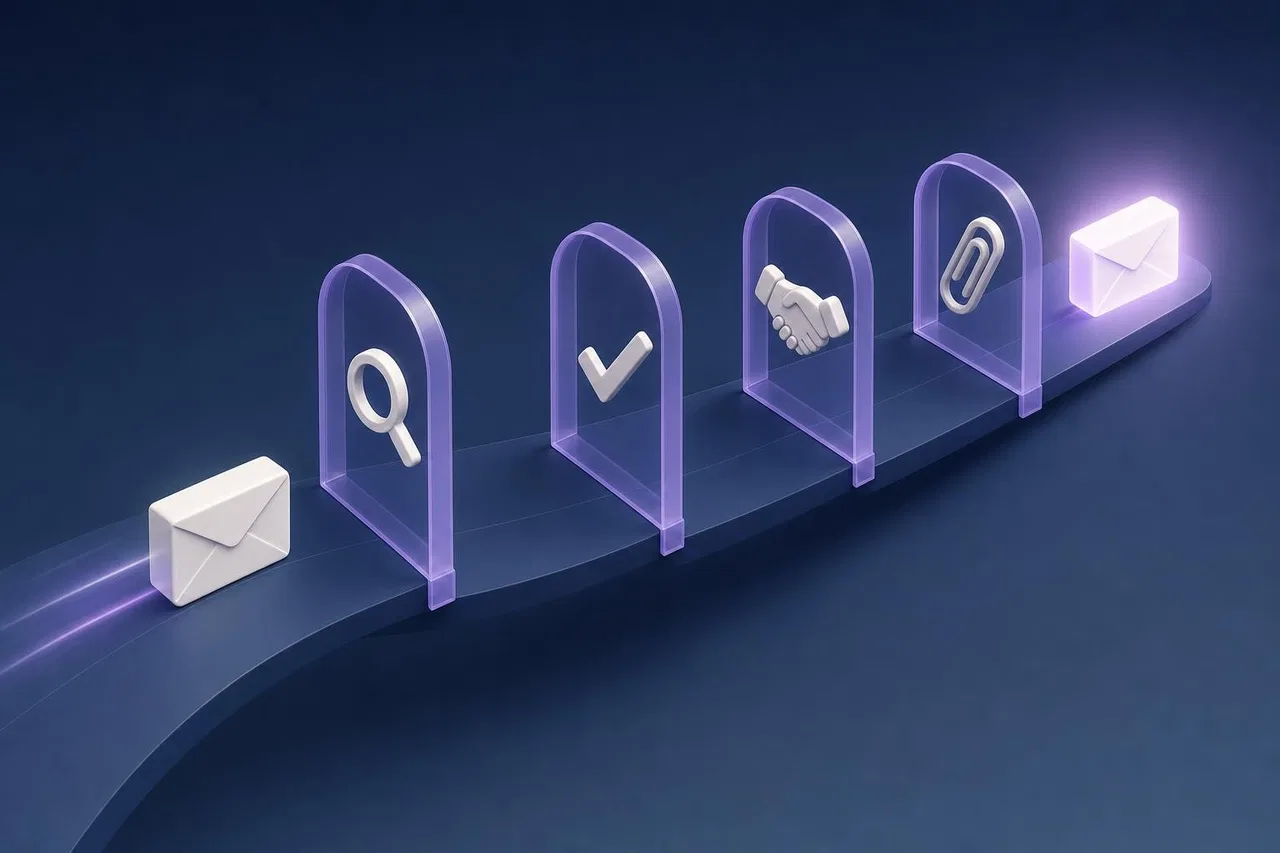
The pre-send checklist
Every fact traced. Each date, number, name, price and order reference matches your source, not just your memory.
No new facts. Nothing appears that wasn't in your brief or the thread: no extra discount, deadline, feature or guarantee.
Promises are yours. Any commitment ("we'll call you tomorrow," "this won't happen again") is one you're actually willing and able to keep.
The goal is visible. The action you want is stated once, clearly, near the end.
Recipients are right. To, Cc and Bcc are correct; nobody external sees an internal comment.
Thread context respected. The draft doesn't repeat a question already answered or contradict something agreed earlier in the thread.
Length fits the reader. Cut the opening pleasantry and any paragraph that restates the previous one.
Links and attachments. Every link opens the right page; the attachment mentioned is attached.
It sounds like you. Read it once as the recipient. If you'd never say a sentence out loud, change it.
Read the draft against the brief, not against itself
AI drafts are fluent, and fluent text feels correct. The most reliable habit is to keep your brief open next to the draft and check line by line: does this sentence come from the brief or the thread? If not, delete it or verify it.
Where AI email writing goes wrong
Invented specifics
Models fill gaps with plausible details: a meeting "next week," a "standard 30-day" return policy, a colleague's title. These are the most dangerous errors because they look exactly like real information. The fix is the facts list plus the "don't add others" instruction, and the review above.
Generic phrasing
"I wanted to reach out," "please don't hesitate," "I hope this finds you well." They aren't wrong, but they lengthen the email and make it look automated. Tell the tool which phrases to avoid, or cut them in review.
The wrong job for AI
Not every email should be drafted by a model. A 2025 study by Anthony Coman (University of Florida) and Peter Cardon (University of Southern California), published in the International Journal of Business Communication, surveyed 1,100 professionals about supervisors' messages. When a congratulatory message was described as written with low AI assistance, 83% saw the supervisor as sincere; with high AI assistance, only 40% to 52% did, as UF News reported in August 2025. The researchers saw routine informational messages as a better fit for AI help than personal ones such as praise, congratulations or personal feedback.
A practical rule: use AI freely for logistics, updates, summaries and first drafts of structured emails. Write condolences, praise, apologies for serious mistakes and difficult feedback yourself, or at least rewrite the AI's version thoroughly.

Confidential data in the prompt
Before you paste a contract or a customer list into a tool, know where that text goes: whether the vendor stores it, whether it's used for training, and whether your company's policy allows it. Tools built into your work mail client usually inherit your organization's data agreements; a free browser extension may not.
Prompt injection through incoming mail
Tools that read your mailbox can be manipulated by text hidden inside emails sent to you. In 2025, researchers described EchoLeak (CVE-2025-32711), a flaw in Microsoft 365 Copilot where a crafted email could make the assistant leak internal data; Microsoft fixed it server-side in May 2025 and found no evidence of real-world exploitation, BleepingComputer reported. The lesson for everyday use: treat any draft based on incoming mail as untrusted until you've read it, and be suspicious if a draft suddenly includes links or data you didn't ask for.
Team rules for using an AI email writer
If several people on your team use AI to draft email, agree on a few rules so the result stays consistent and safe:
The sender owns the email. AI is a drafting aid; the person whose name is on the email is responsible for every word.
Facts come from the system of record. Prices from the price list, dates from the order or the task, not from the model.
No new commitments without approval. Discounts, refunds, deadlines and guarantees follow the same rules as before AI.
Sensitive categories are written by people. Legal disputes, HR matters, condolences, serious complaints.
Approved tools only. Decide which tools may see company email, and say so in writing.
Share good briefs. Keep a shared folder of brief templates for frequent emails: quotes, reminders, delivery updates.
How Sensever helps
To be clear about scope: Sensever doesn't include an AI email writer, and it isn't an email client. If you need AI drafting inside your mailbox, the tools built into Gmail and Outlook, or a separate writing assistant, are the right place to look.
Where Sensever does help is with the inputs that make a draft accurate, and with customer conversations that don't happen over email:
The facts in one place. In Flow, each deal, order or task is an object with its own fields, status, history and a discussion in Sensever chat. When you brief an AI email writer, the dates, amounts and agreed next steps are on the object card instead of scattered across inboxes. The CRM template creates companies, contacts, deals and activities with a deal pipeline.
Customer conversation history. Questions from your website widget and connected messengers (WhatsApp, Instagram Direct, Telegram, MAX) arrive in Requests. The team sees the full history, internal notes the customer can't see, and which page of your site the visitor wrote from, which is exactly the context you'd otherwise have to reconstruct before writing a follow-up. See Customer support: requests, team and routing.
AI answers where the conversation happens. The built-in AI assistant answers customers in the website widget and connected channels from your articles, files and tables, and hands the conversation to a person when needed. You can check its answers in a test chat before turning it on. It's the same discipline as briefing an email writer: the assistant is only as accurate as the knowledge you give it. See Project assistant.
Email for your own work. Flow can email you copies of notifications and a daily digest of overdue and due-today tasks at your Sensever account address. These go to team members only, not to customers. See Flow: email and calendar subscription.
Pricing for these parts is usage-based: the project owner isn't charged; each additional member who answers customers costs $9 per month; Flow costs $5 per additional editing member per month; the AI assistant is billed at $19 per million tokens. Current prices are on sensever.com.
FAQ
Is an AI email writer good enough to send drafts without editing?
For short, routine emails with facts you supplied, the draft is often close. Still read it before sending: the most common problems are added details and promises that weren't in your brief, and they're easy to miss in fluent text.
What should I put in the prompt for an AI to draft an email?
The recipient and your relationship, the single action you want, every fact the email must contain, the tone as concrete constraints (length, formality, apologies or not), and what the email must not include.
Can I use AI for emails to customers?
Yes, for most routine messages: updates, confirmations, reminders and answers to common questions. Keep a person responsible for each email, check facts against your records, and write sensitive messages (serious complaints, legal disputes) yourself.
Do recipients notice AI-written emails?
Sometimes, especially when the email is generic or overly polished. In the 2025 Coman and Cardon study, professionals rated messages with heavy AI assistance as less sincere, mostly for personal messages rather than routine ones.
Is it safe to let an AI tool read my mailbox?
It depends on the tool and its permissions. Check what access it requests, where your data is stored, and whether it's used for training. Treat drafts based on incoming mail with care: hidden instructions in emails have been used to manipulate AI assistants.
Conclusion
An AI email writer saves the most time when you treat it as a fast first-draft partner, not an author. Brief it with the recipient, the goal, the exact facts and a concrete tone; then check every claim and commitment before sending. Keep personal and sensitive emails personal. And if much of your email effort goes into reconstructing context, put that context somewhere your team can see it first. For the next step, read about AI email replies and AI for sales emails.

Commenti